


Effortless Security Camera Installation by Desert Computer Solutions
Security is a top priority for homeowners and businesses alike. Installing security cameras can protect your property, deter crime, and provide peace of mind. Yet, many people hesitate because they think installation is complicated or expensive. Desert Computer Solutions offers a straightforward, reliable way to get security cameras set up quickly and correctly, so you can focus on what matters most.

Why Choose Professional Security Camera Installation?
Many people try to install security cameras themselves, but this often leads to problems like poor coverage, weak connections, or confusing setups. Professional installation ensures your system works smoothly from day one. Desert Computer Solutions brings expertise and experience to every project, avoiding common pitfalls.
Here’s what professional installation offers:
Optimal camera placement for maximum coverage and minimal blind spots
Secure wiring and connections to prevent tampering or signal loss
Integration with your existing network for easy access and monitoring
Customized setup tailored to your property’s unique layout and security needs
By choosing experts, you avoid guesswork and get a system that works reliably.
What to Expect During Installation
Desert Computer Solutions follows a clear, step-by-step process designed to minimize disruption and deliver results fast.
Initial consultation
A technician visits your property to assess security needs, identify key areas, and recommend camera types and locations.
System design
Based on the consultation, a detailed plan is created. This includes camera models, wiring routes, and integration with your devices.
Installation day
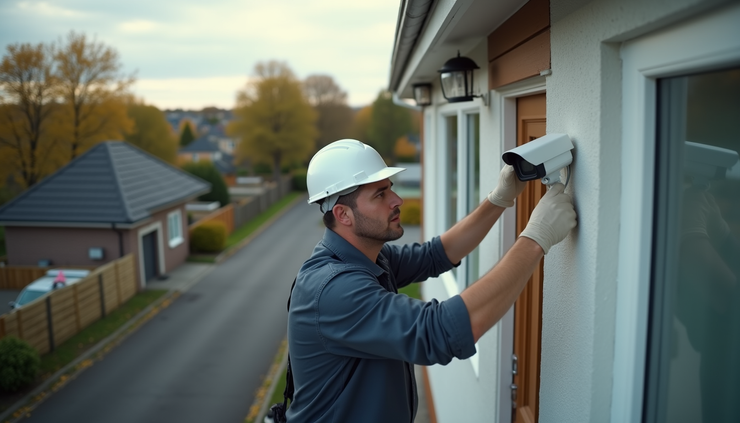
The team arrives with all equipment and tools. Cameras are mounted securely, wires are hidden or protected, and connections are tested.
Setup and training
After installation, the system is configured for remote viewing and alerts. You receive a walkthrough on how to use the system effectively.
Ongoing support
Desert Computer Solutions offers maintenance and troubleshooting to keep your cameras running smoothly.
This process ensures you get a tailored security solution without hassle.
Types of Security Cameras Available
Choosing the right cameras depends on your property and security goals. Desert Computer Solutions offers a variety of options:
Dome cameras
Ideal for indoor use, these cameras have a discreet design and wide-angle coverage.
Bullet cameras
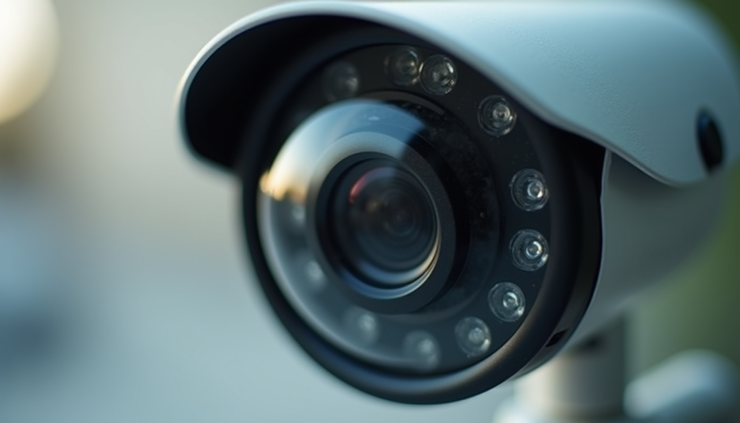
These are perfect for outdoor areas, with weatherproof casings and long-range lenses.
PTZ cameras (Pan-Tilt-Zoom)
Allow remote control to scan large areas and zoom in on details.
Wireless cameras
Easier to install with no need for extensive wiring, suitable for flexible setups.
Infrared/night vision cameras
Capture clear images in low light or complete darkness.
Your installer will help select cameras that fit your budget and security needs.
Benefits of a Well-Installed Security Camera System
A professionally installed system offers more than just video footage. It provides:
Crime deterrence
Visible cameras discourage theft, vandalism, and trespassing.
Evidence collection
Clear recordings help identify suspects and support investigations.
Remote monitoring
Access live or recorded video from your smartphone or computer anytime.
Insurance advantages
Some insurers offer discounts for properties with security systems.
Peace of mind
Knowing your property is monitored reduces stress and worry.
Desert Computer Solutions ensures these benefits are fully realized through expert installation.
Tips for Maintaining Your Security Cameras
To keep your system working well, regular maintenance is key. Here are some simple tips:
Clean camera lenses periodically to avoid blurry images.
Check wiring and mounts for damage or looseness.
Update software and firmware to improve performance and security.
Test remote access features regularly.
Schedule professional inspections if you notice issues.
Following these steps helps your cameras last longer and perform better.
Taking the Next Step
Security camera installation does not have to be complicated or stressful. Desert Computer Solutions makes the process smooth and effective, providing systems that protect your home or business with confidence. Whether you want to monitor entrances, parking lots, or indoor spaces, their team delivers tailored solutions that fit your needs.


Comments