


Expert Office TV Mounting Installation by Desert Computer Solutions in Tolleson
Installing a TV in an office space might seem straightforward, but it requires careful planning and precise execution to ensure safety, functionality, and aesthetics. Desert Computer Solutions in Tolleson offers expert office TV mounting installation services that combine technical skill with attention to detail. This post explores why professional installation matters, what the process involves, and how Desert Computer Solutions delivers reliable results for Tolleson businesses.

Why Professional Office TV Mounting Matters
Mounting a TV in an office is more than just hanging a screen on the wall. It involves:
Safety: Improper mounting can lead to accidents or damage to expensive equipment.
Optimal Viewing: Positioning the TV at the right height and angle improves visibility for everyone in the room.
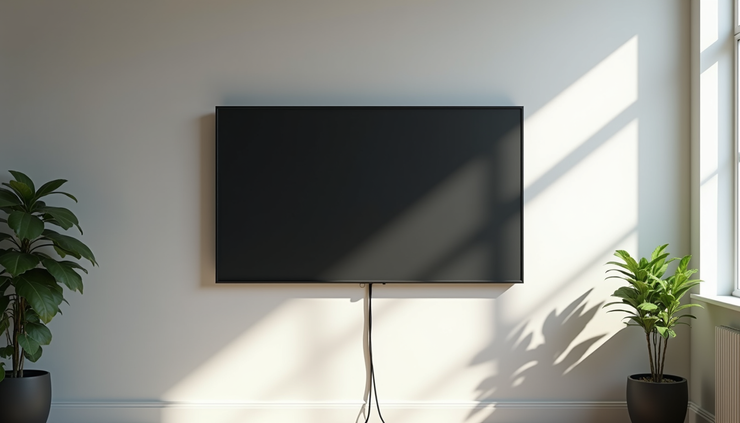
Cable Management: Concealing wires keeps the space tidy and reduces tripping hazards.
Preserving Wall Integrity: Correct installation prevents unnecessary damage to walls and ensures the mount supports the TV’s weight.
Many offices underestimate these factors, leading to poorly installed TVs that detract from the workspace or require costly repairs. Desert Computer Solutions understands these challenges and applies industry best practices to every installation.
The Installation Process by Desert Computer Solutions
Desert Computer Solutions follows a clear, step-by-step process to guarantee a smooth and secure TV mounting experience:
1. Initial Consultation and Site Assessment
Before installation, the team visits the office to evaluate the space. They consider:
Wall type (drywall, concrete, brick)
TV size and weight
Viewing angles and lighting conditions
Power outlet locations and cable routing options
This assessment ensures the mounting solution fits the office’s unique needs.
2. Selecting the Right Mount and Tools
Based on the assessment, the team selects a mount that supports the TV’s size and weight. Options include fixed mounts, tilting mounts, and full-motion mounts that allow swiveling. The right choice depends on how the TV will be used and the room layout.
3. Precise Installation and Cable Management
The team uses stud finders, levelers, and anchors to securely attach the mount. They also plan cable routes to hide wires inside walls or use cable covers for a clean look. This step requires skill to avoid damaging walls or electrical wiring.
4. Testing and Final Adjustments
After mounting, the TV is tested for stability and picture alignment. Adjustments ensure the screen is perfectly positioned for comfortable viewing.

Benefits of Choosing Desert Computer Solutions in Tolleson
Businesses in Tolleson trust Desert Computer Solutions for several reasons:
Experienced Technicians: Skilled professionals with years of experience in TV mounting and office setups.
Customized Solutions: Tailored installations that match each office’s layout and technology needs.
Reliable Service: Timely appointments and thorough work that minimizes disruption.
Competitive Pricing: Transparent quotes with no hidden fees.
For example, a local marketing firm recently had multiple TVs installed in their conference rooms. Desert Computer Solutions ensured each screen was mounted at the ideal height and angle, with all cables neatly concealed. The result was a polished, professional environment that enhanced presentations and team collaboration.
Tips for Maintaining Your Mounted Office TV
Once your TV is installed, maintaining it properly helps extend its lifespan and performance:
Regular Dusting: Use a soft cloth to clean the screen and mount to prevent dust buildup.
Check Mount Stability: Periodically inspect the mount to ensure screws and anchors remain tight.
Avoid Overloading: Do not hang additional items on the mount or apply pressure to the TV.
Manage Cables: Keep cables organized and avoid pulling or bending them excessively.
Following these simple steps keeps your office TV safe and looking great.


Comments